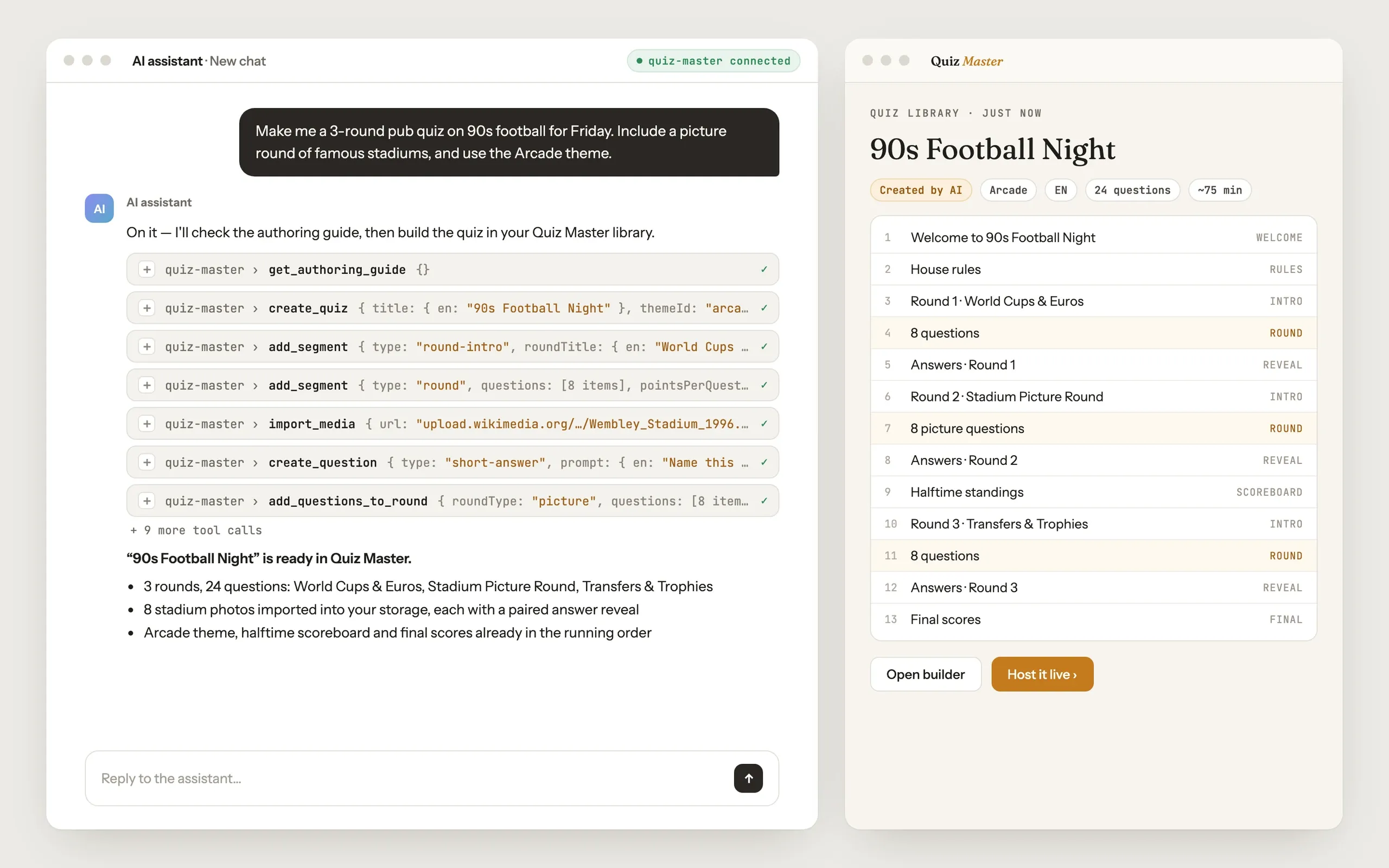
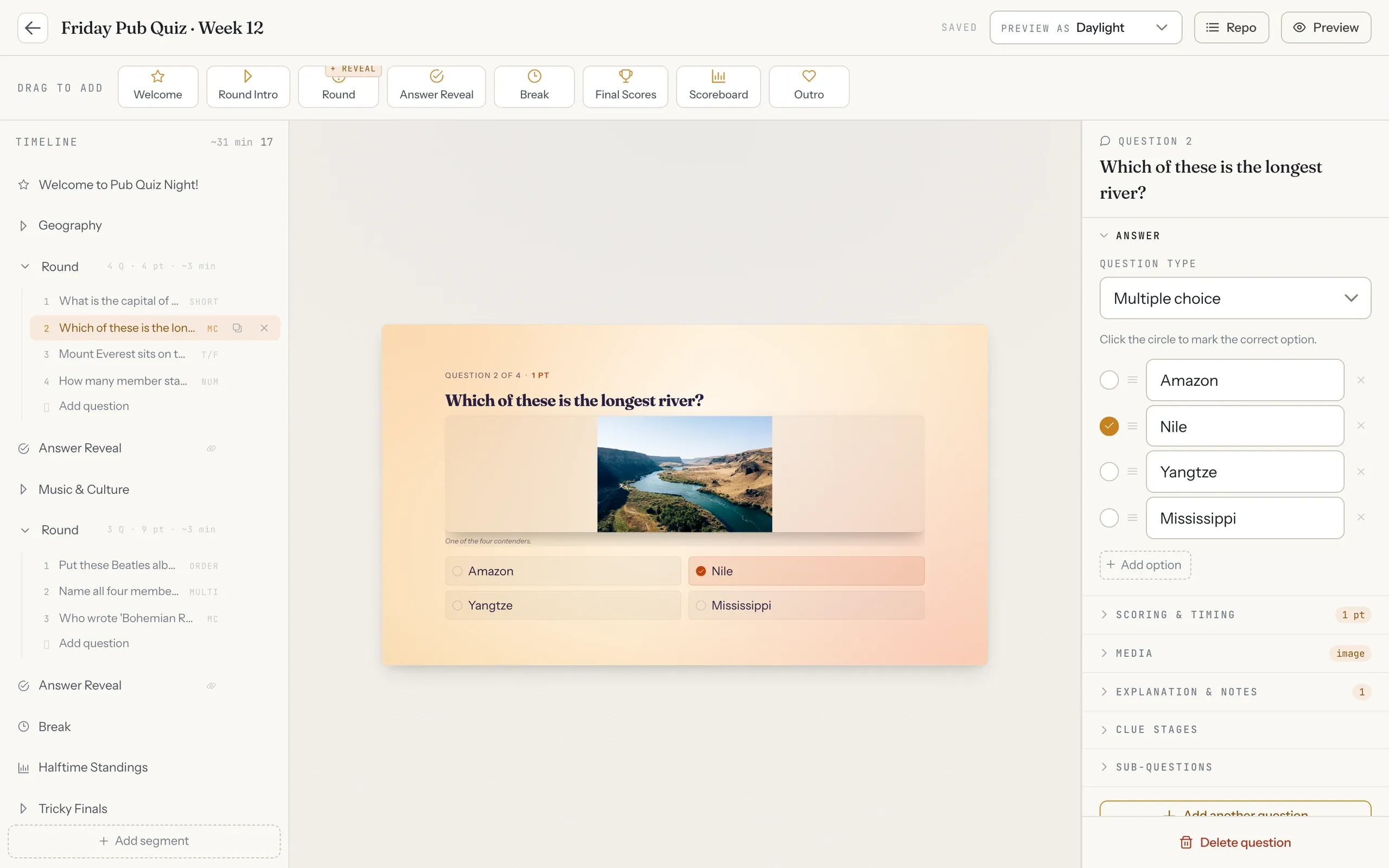
Quiz Master is a web app for running pub-quiz nights: build the running order, rehearse it, then present it full-screen while scoring teams from a control panel. Its MCP server lets AI assistants such as Claude or ChatGPT write quizzes directly into the host's library. Ask for "a 3-round pub quiz on 90s football" and the finished quiz appears in Quiz Master, ready to host.
Who uses it, and for what
- A pub quiz host asks Claude for a themed night and gets a full quiz with rounds, answer reveals and a scoreboard.
- A host builds a picture or music round in chat, and the assistant finds the files and imports them into the app's storage.
- A host reuses questions from their own bank across quiz nights, and an edit shows up in every quiz that uses the question.
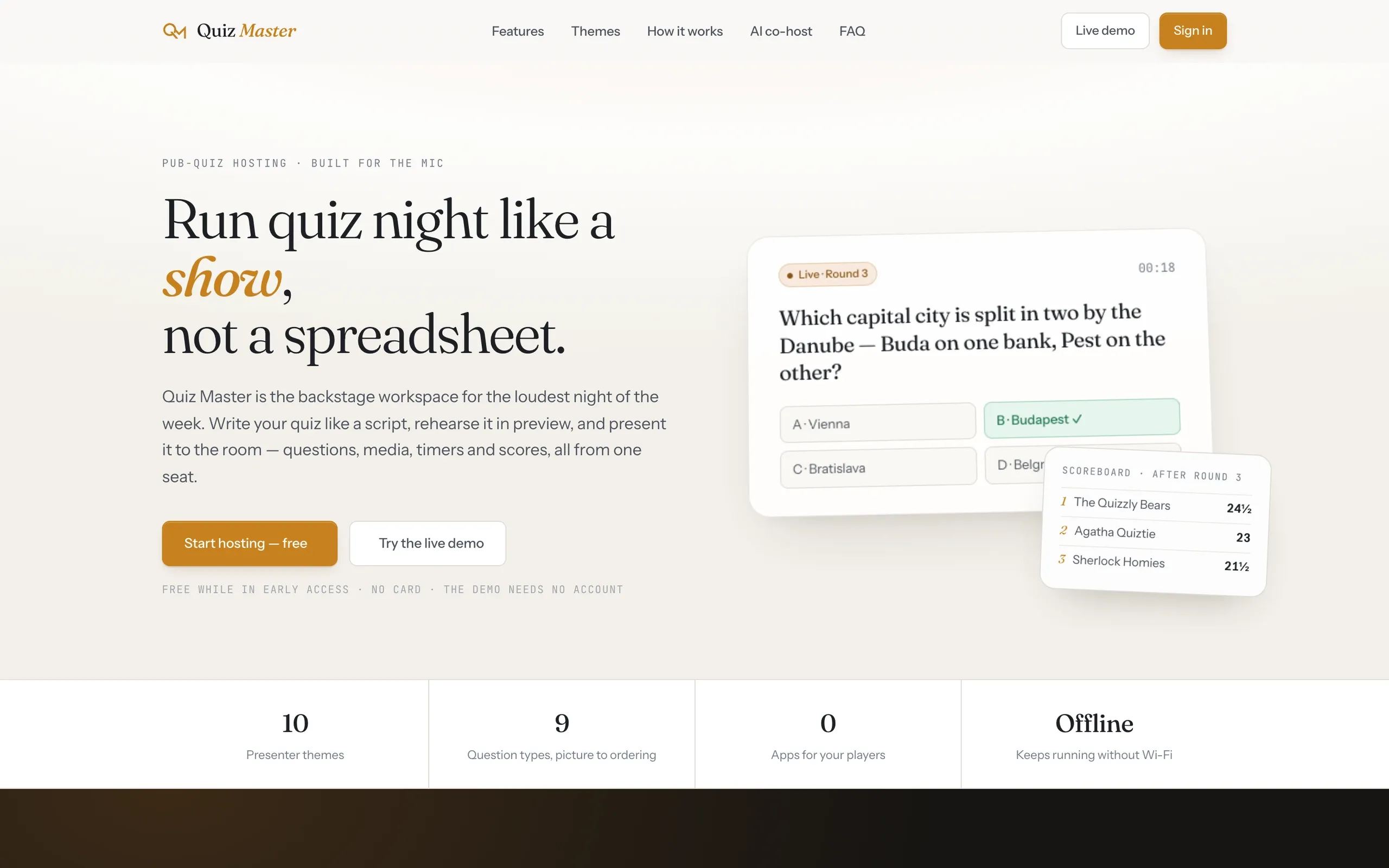
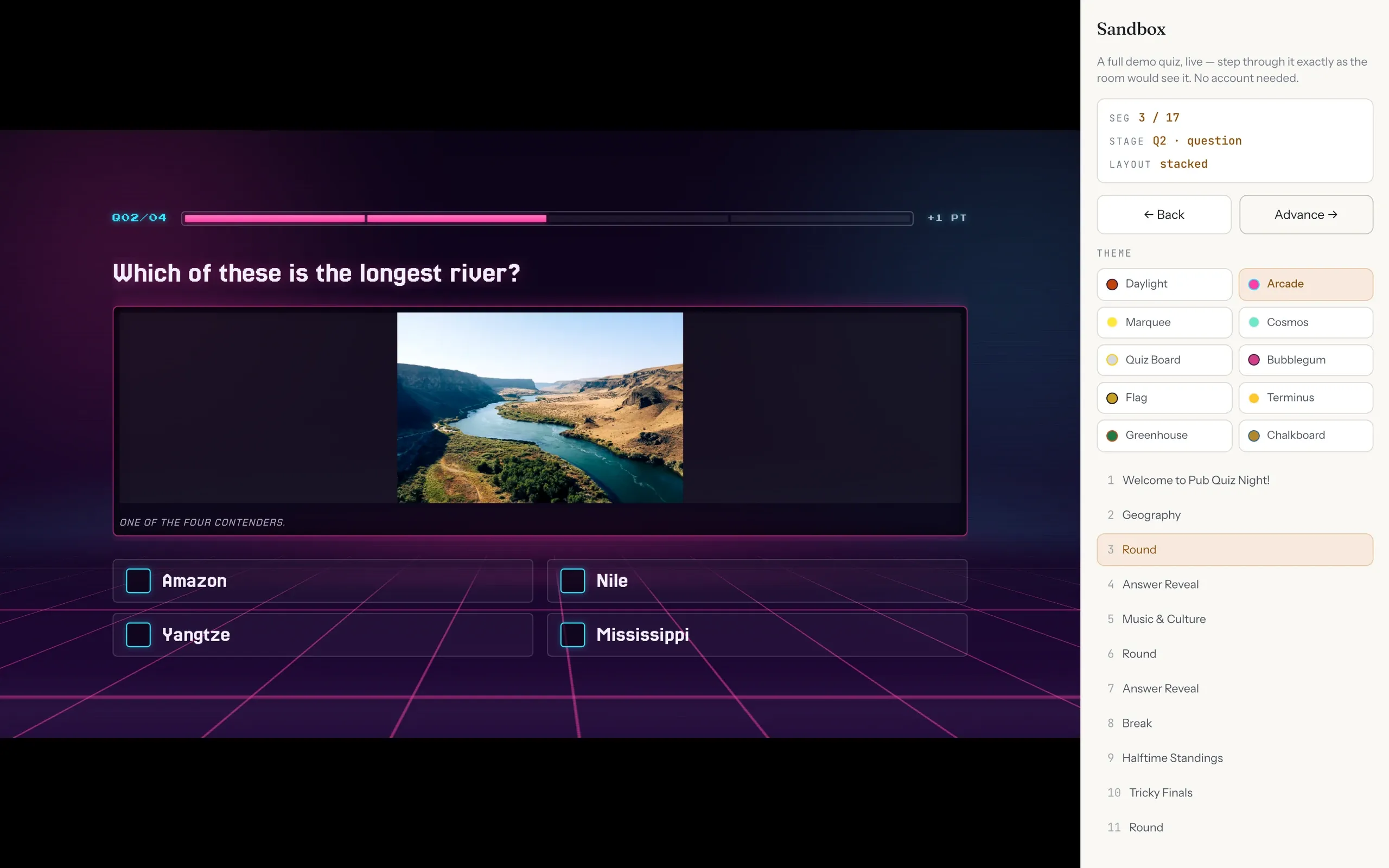
- On the night, the host runs the quiz from a laptop while the room watches the presenter screen in the chosen theme.
How it’s built
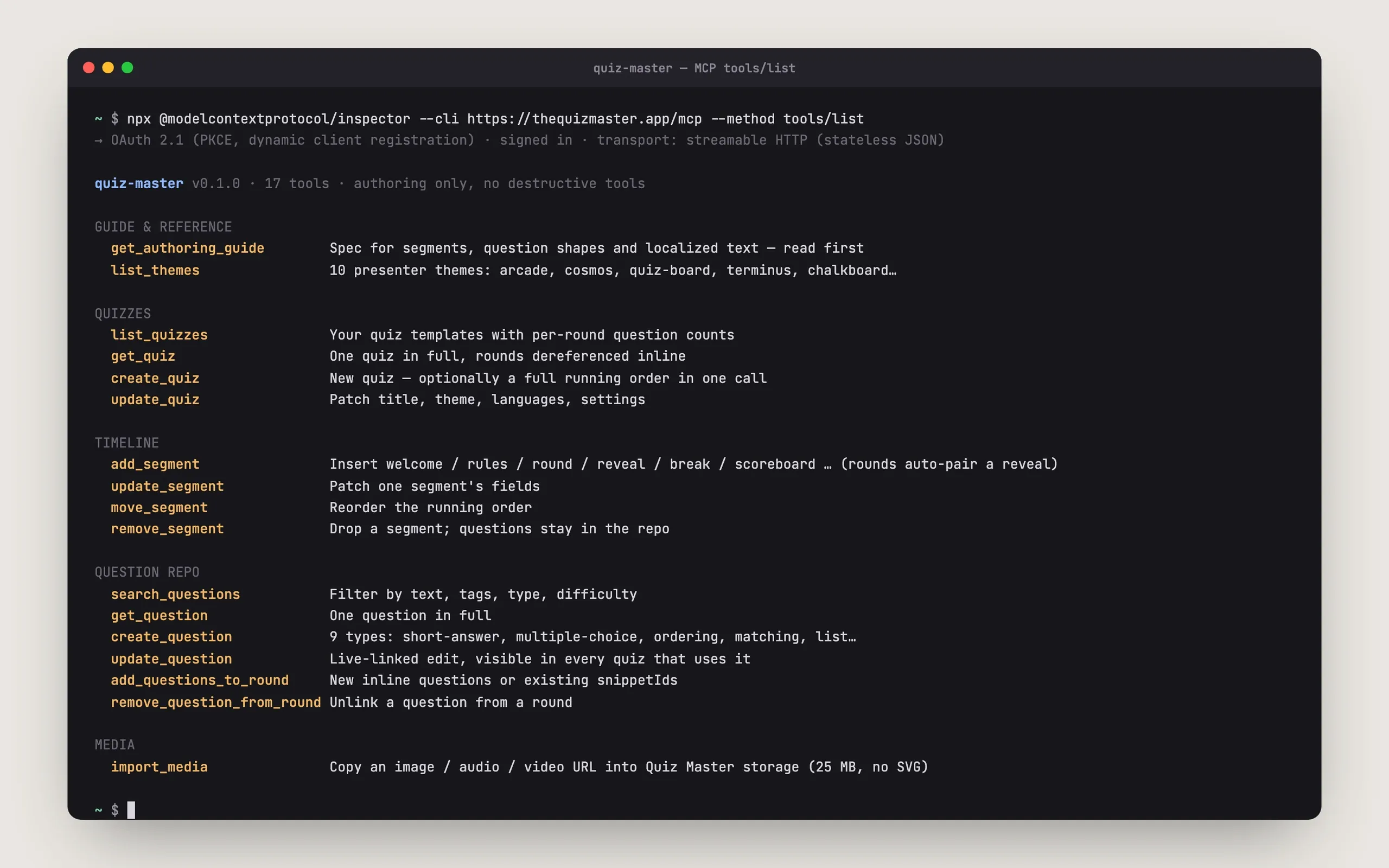
- Remote MCP server with 17 typed tools validated with zod, covering quizzes, timeline segments, the question bank and media import.
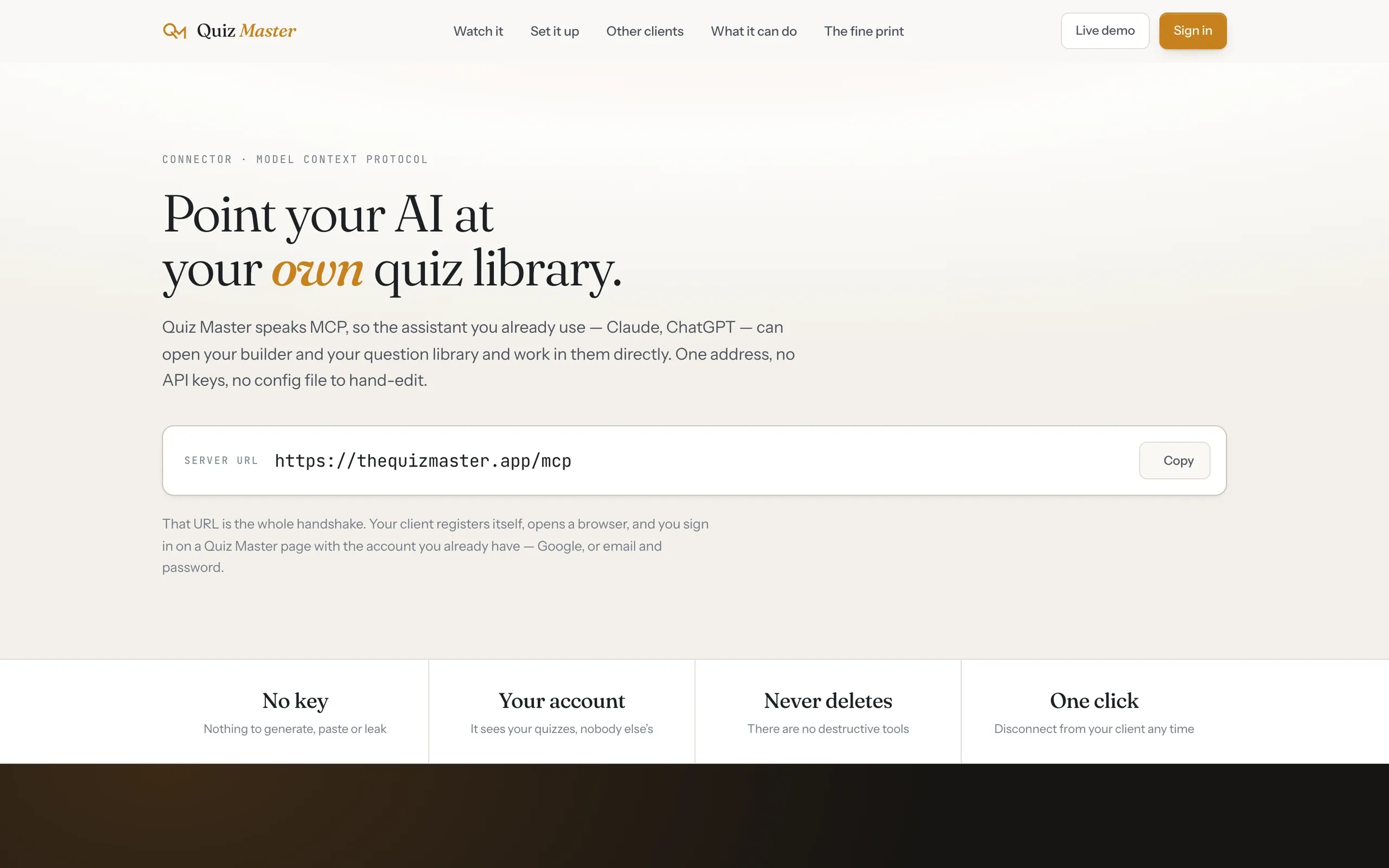
- Sign-in is a full OAuth 2.1 flow with dynamic client registration and PKCE, so connecting needs only the server URL and no API key.
- The server has no delete tools, and every request only touches data owned by the signed-in host.
- 10 animated presenter themes built with GSAP. Presenter and control panel run in two windows and keep working offline.
Stack
In numbers
- Remote MCP server with 17 typed tools at thequizmaster.app/mcp
- Own OAuth 2.1 authorization server with dynamic client registration, required S256 PKCE and hashed opaque tokens
- Authoring only: no delete tools, and every read or write is scoped to the signed-in host
- 10 presenter themes, 9 question types, 14 timeline segment types
- Media import copies images, audio and video into the app's own storage (25 MB cap, SVG rejected)
- About 118 Vue single-file components. Presenter and control panel stay in sync across two windows via BroadcastChannel
- Keeps working offline mid-quiz thanks to Firestore's persistent multi-tab cache
Tools the AI can call
| Tool | What it does |
|---|---|
get_authoring_guide | Returns the authoring spec: localized text, segment structure, question and answer shapes, quality guidance. The assistant reads it first. |
list_themes | Lists the presenter themes a quiz can use (Arcade, Cosmos, Quiz Board, Terminus, Chalkboard, ...). |
list_quizzes | Lists the host's quiz templates with languages, theme and per-round question counts. |
get_quiz | Fetches one quiz in full, with the round questions included inline. |
create_quiz | Creates a quiz template; can import a complete running order in one call. |
update_quiz | Patches title, description, theme, languages, settings and metadata. |
add_segment | Inserts a timeline segment (welcome, rules, round, answer reveal, break, scoreboard, ...). A new round gets a matching answer-reveal segment automatically. |
update_segment | Patches one segment's fields. |
remove_segment | Removes a segment and renumbers the timeline. The questions stay in the question bank. |
move_segment | Moves a segment to a new position in the running order. |
search_questions | Searches the host's question bank by text, tags, type and difficulty. |
get_question | Fetches one question in full (prompt, answer, media, clue stages, sub-questions, tags). |
create_question | Creates a standalone question in the question bank, with an optional image, audio clip or YouTube video. |
update_question | Edits a question. The change shows up in every quiz that uses it. |
add_questions_to_round | Adds new inline questions or existing questions from the bank to a round. |
remove_question_from_round | Unlinks a question from a round without deleting it. |
import_media | Copies a remote image, audio or video file into Quiz Master storage and returns a permanent URL. |
MCP
Website
Host app
Player
All screens show invented demo data.