iOS and Android apps
Mobile app development for iOS and Android
We build apps for iOS and Android, native in SwiftUI where it matters and from shared web code with Capacitor where it doesn't. You get one studio that writes the app, the backend behind it and handles the store release.
When an app starts to make sense
- Your customers already use your website on their phone, and they ask why there is no app in the store.
- You were quoted two separate teams, one for iOS and one for Android, plus a third for the backend.
- People miss the moment that matters because nothing tells them: the appointment, the departure, the new message.
- Your staff work on the move and the desktop admin panel is unusable on a phone.
- Someone else started an app, left it half built, and it never made it through App Store review.
What we build
Native iOS apps in SwiftUI
For apps where the feel matters, like maps, live updates and gestures, we write SwiftUI and MapKit. The tdown iOS app uses no third-party dependencies at all.
iOS and Android from one codebase
If you already have a Vue or Nuxt web app, Capacitor turns it into store apps without a rewrite. Saneo ships a patient app and a doctor app, Saneo Pro, from the same Vue code.
Push notifications
Alerts sent from the server, so they arrive even when the app is closed. tdown sends departed, landing soon, landed and time to leave alerts through Firebase Cloud Messaging.
Maps and live data
Live positions, clustered pins, distances and drive times. Data goes through your own backend with a cache, so the app holds no API keys.
Backend and admin screens
The API, database, login and admin screens behind the app. Usually Firebase or a TypeScript API on Postgres, depending on the data.
App Store and Google Play release
Signing, store listings, screenshots, privacy forms and review, plus the updates after launch.
How a project runs
01
Scope call
We go through who uses the app, what they do on it and what must work offline or in the background. We tell you whether native or Capacitor fits, and why.
02
Clickable first version
We build the main screens early with real data, so you test them on your own phone instead of reading a spec.
03
Build and test on devices
Features arrive in small releases through TestFlight and Google Play internal testing. You and a few real users try each one.
04
Store release and handover
We prepare the listings, submit the builds and answer review questions. The code, accounts and docs stay with you.
Apps we have built
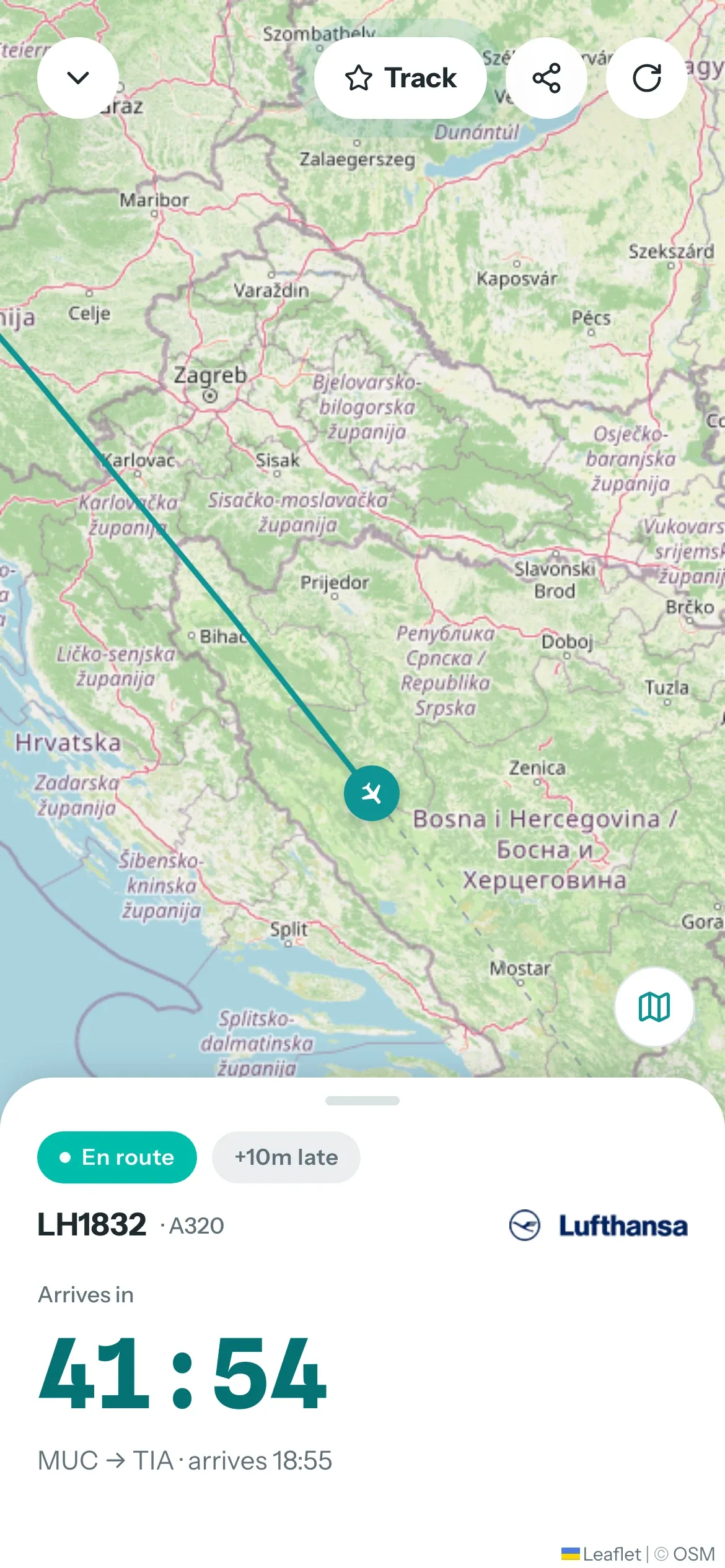
tdown runs as a SwiftUI app, an Android app and a web app on one Firebase backend. Saneo shows the Capacitor side, and USA College Sport and CircleOn show portals designed for the phone first.
Touchdown (tdown.live)
Flight tracker for picking someone up at the airport
Read the case study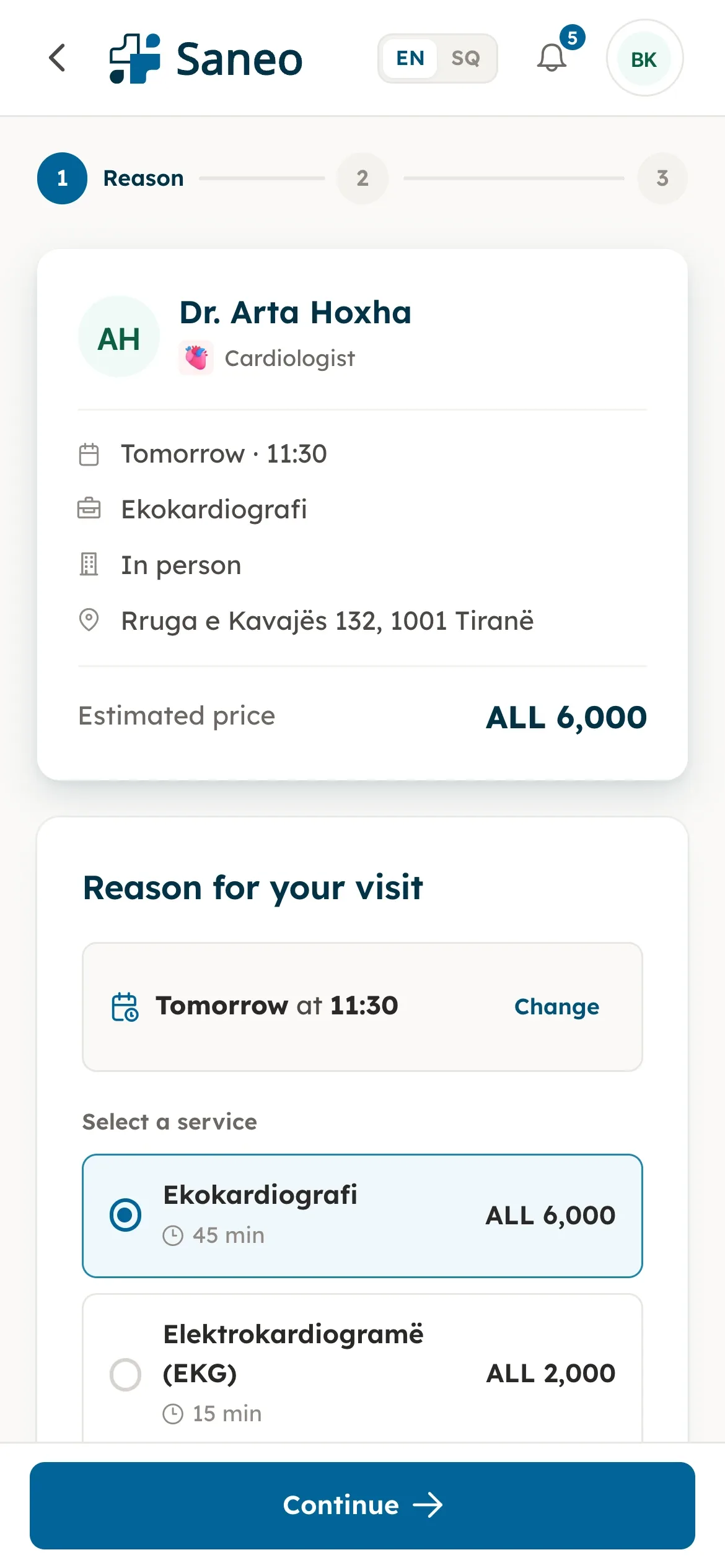
Saneo
Doctor booking for patients and clinics in Albania
Read the case study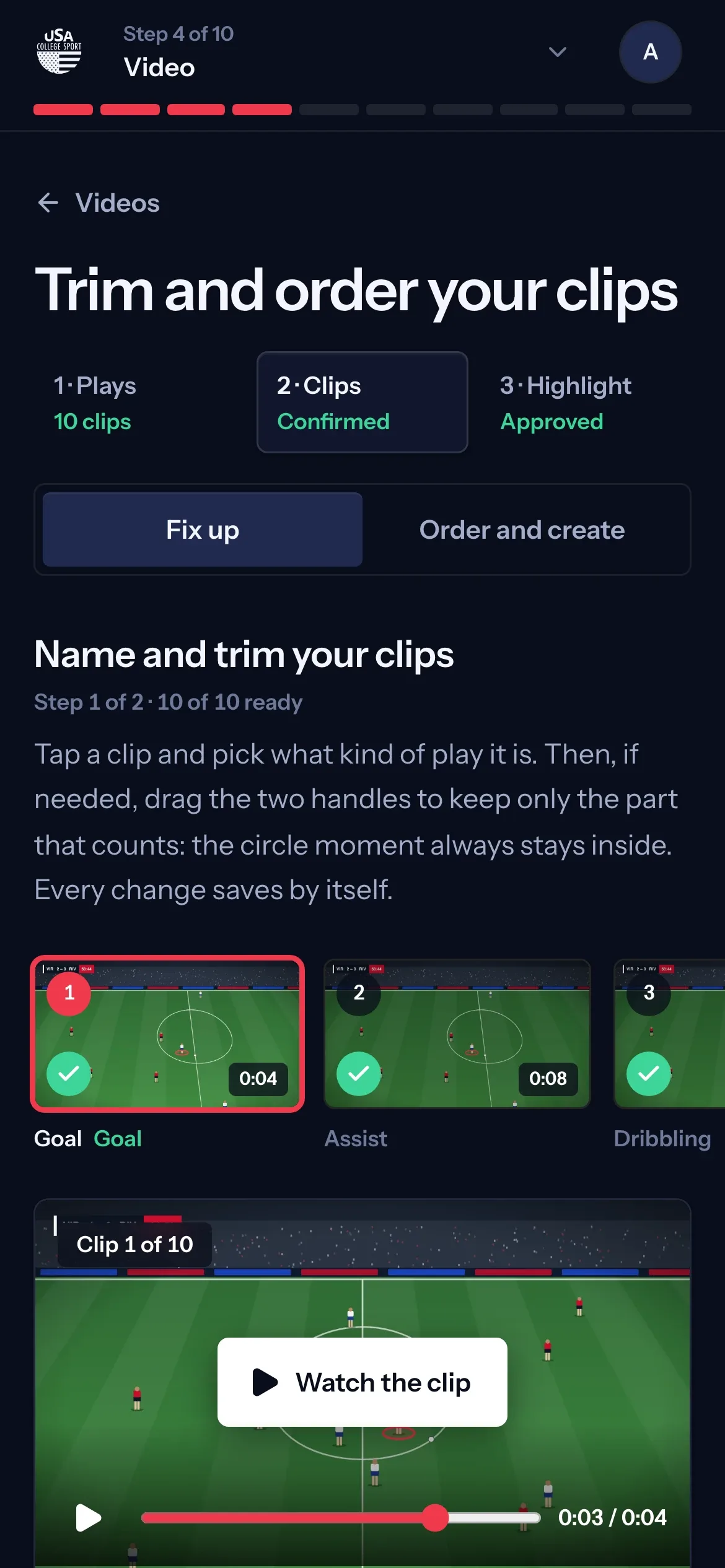
USA College Sport
Recruiting platform for European athletes aiming at US colleges
Read the case study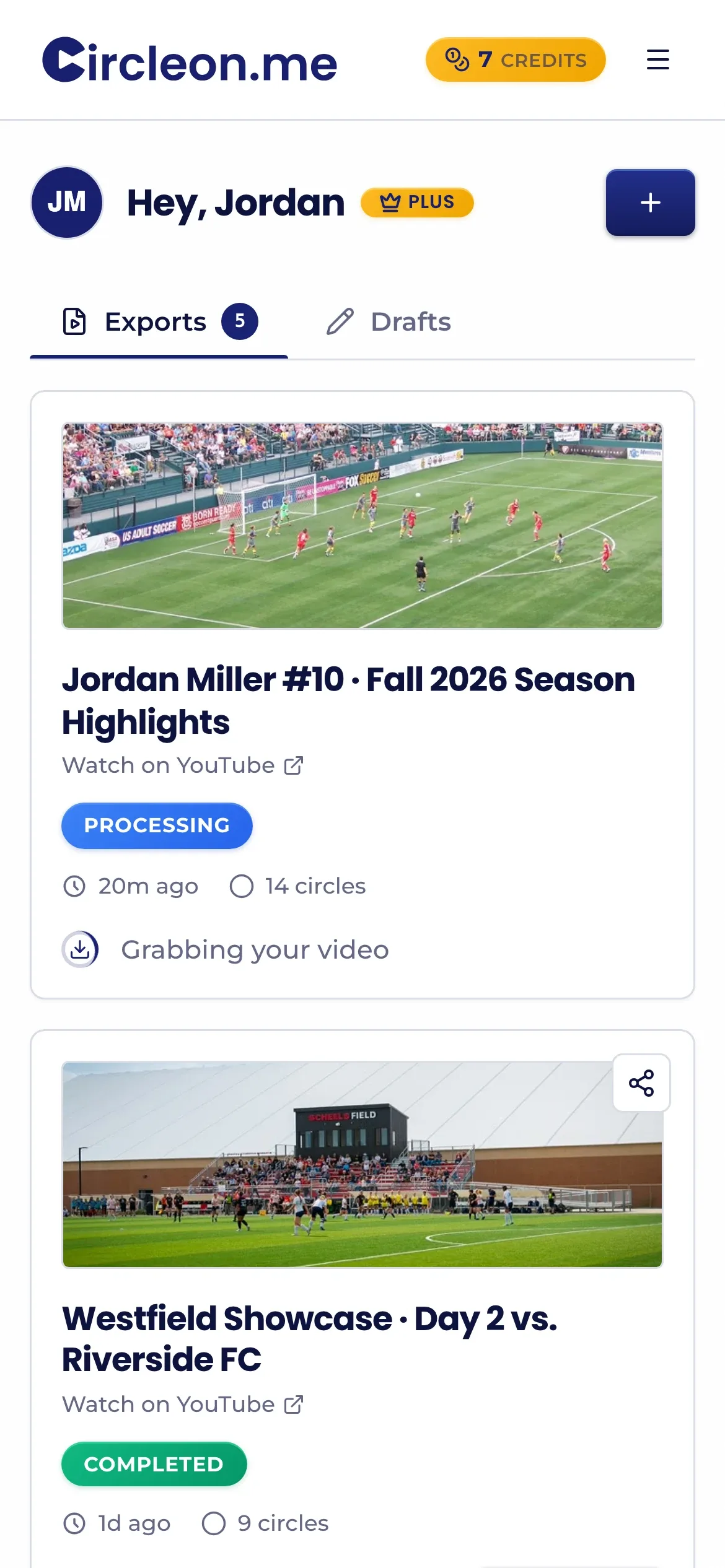
CircleOn.me
Circle yourself in game film for college recruiters
Read the case studyQuestions about mobile apps
Should my app be native or cross-platform?
It depends on what the app does. Maps, animations and background work feel better native, so we write those in SwiftUI. Forms, bookings, lists and dashboards work well from shared web code with Capacitor, and you maintain one codebase instead of three.
Can you turn my existing website into an app?
Often, yes. If your web app is built in Vue, Nuxt or similar, Capacitor wraps it and adds native features like push, camera and location. We first check that the screens work well on a phone, because a plain website inside an app shell tends to fail App Store review.
Do you publish the app on the App Store and Google Play?
Yes. We handle signing, store listings, screenshots, privacy details and review. By default the developer accounts are in your company's name, so the app stays yours if we stop working together.
Can the app send push notifications?
Yes, on iOS and Android. We send them from the server with Firebase Cloud Messaging, so they arrive with the app closed. You decide which events trigger them and what the message says.
What happens after launch?
Apple and Google release new system versions every year, and apps need small updates to keep working. We can stay on for updates and new features, or hand the repository and docs over to your own team.