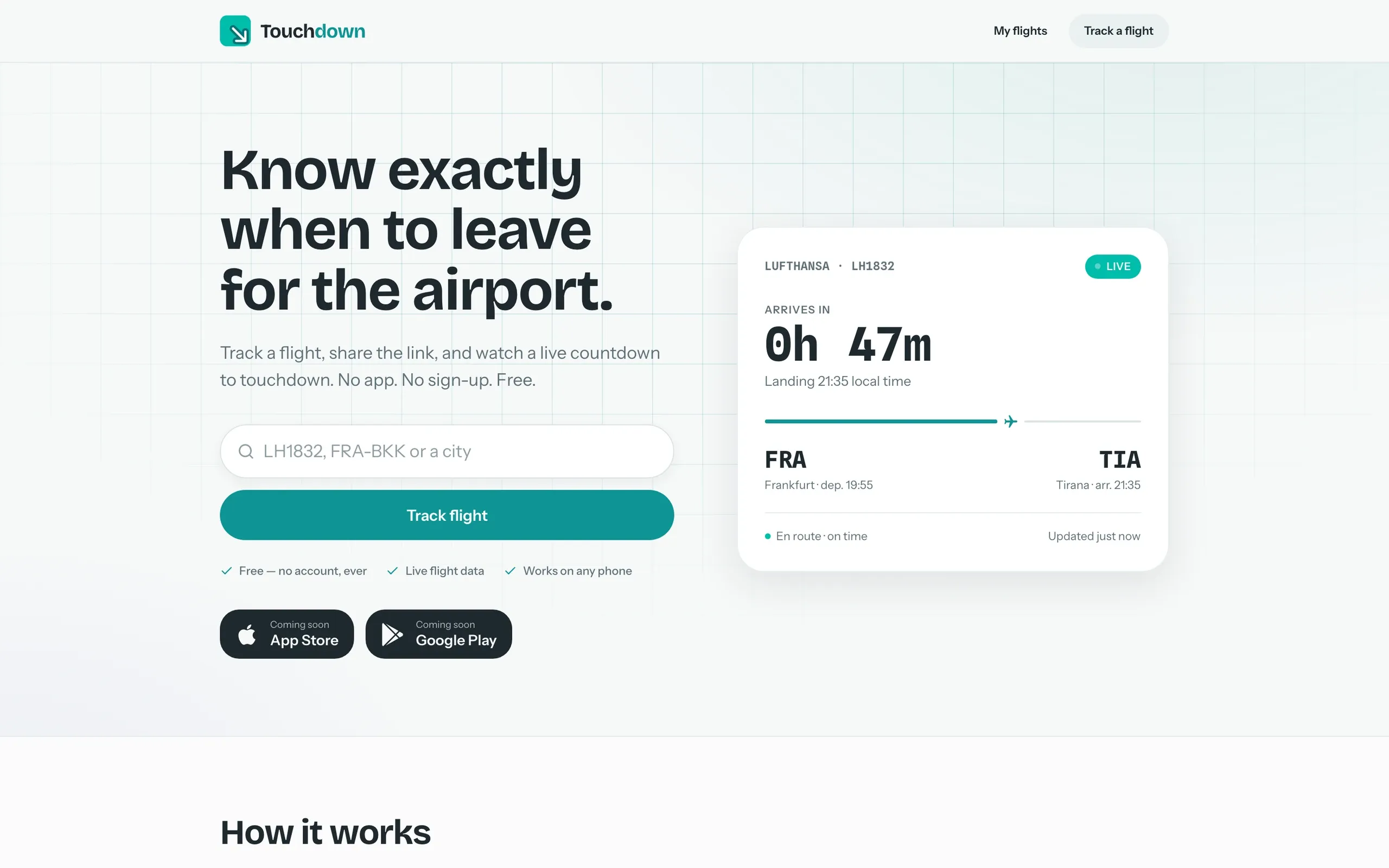
Touchdown follows one flight and tells you when it lands and when to leave to pick someone up. You type a flight number and share the link, and everyone sees the same countdown, the plane on the map and a pickup plan. It runs on the web at tdown.live and as iOS and Android apps.
Who uses it, and for what
- Someone shares a tdown.live link in the family chat, and everyone at home watches the same countdown to landing.
- A driver heading to the airport sees the drive time from their location and when to leave, with a buffer they can adjust.
- With push alerts on, you hear when the flight departs, when it is about to land, when it lands and when it is time to leave.
- Someone waiting checks the past week's delay history to see how late this flight usually arrives.
How it’s built
- One backend for three clients. Firebase Functions proxy and cache the flight data, so the apps need no keys or accounts.
- Flight matching avoids a common bug where a flight number resolves to yesterday's or tomorrow's leg.
- Shared links get preview images rendered on the server, so the flight card shows directly in messaging apps.
- The iOS app uses only SwiftUI and MapKit, with no third-party dependencies. The web app mirrors it with Nuxt and Leaflet.
Stack
In numbers
- Three clients: a native iOS app (SwiftUI, no third-party dependencies), a Nuxt web app and an Android TWA
- 11 Cloud Functions: flight lookup, live track, delay history, short links, push watches, link previews, stats
- Server-side push alerts for departed, landing soon, landed and time to leave, even with the page closed
- Open Graph preview cards rendered per flight on the server, so shared links show a preview in WhatsApp and Telegram
- No account and no API key in the clients: flight data goes through a cached Functions proxy
- Flight data from AeroDataBox schedules plus live ADS-B positions (originally the FR24 API)
Website
Web app
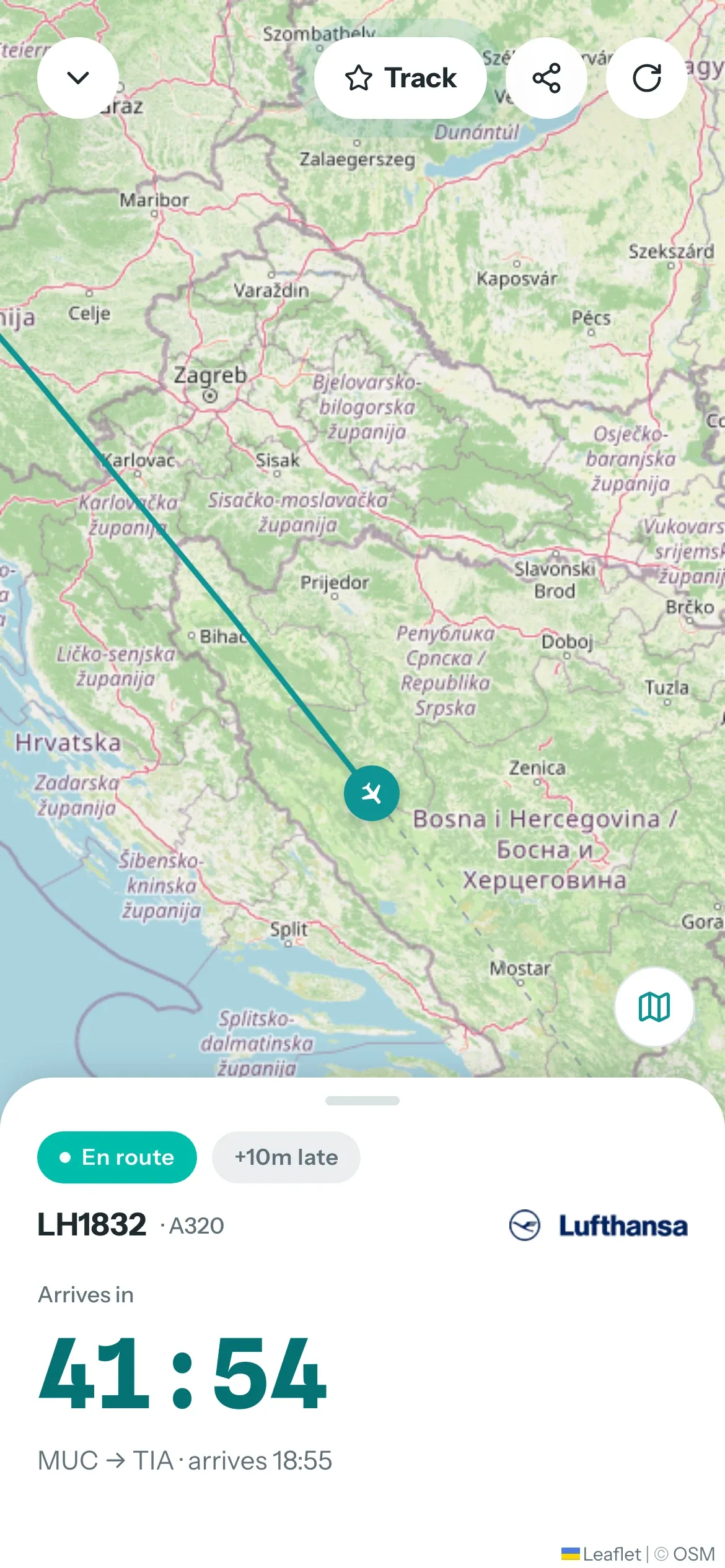
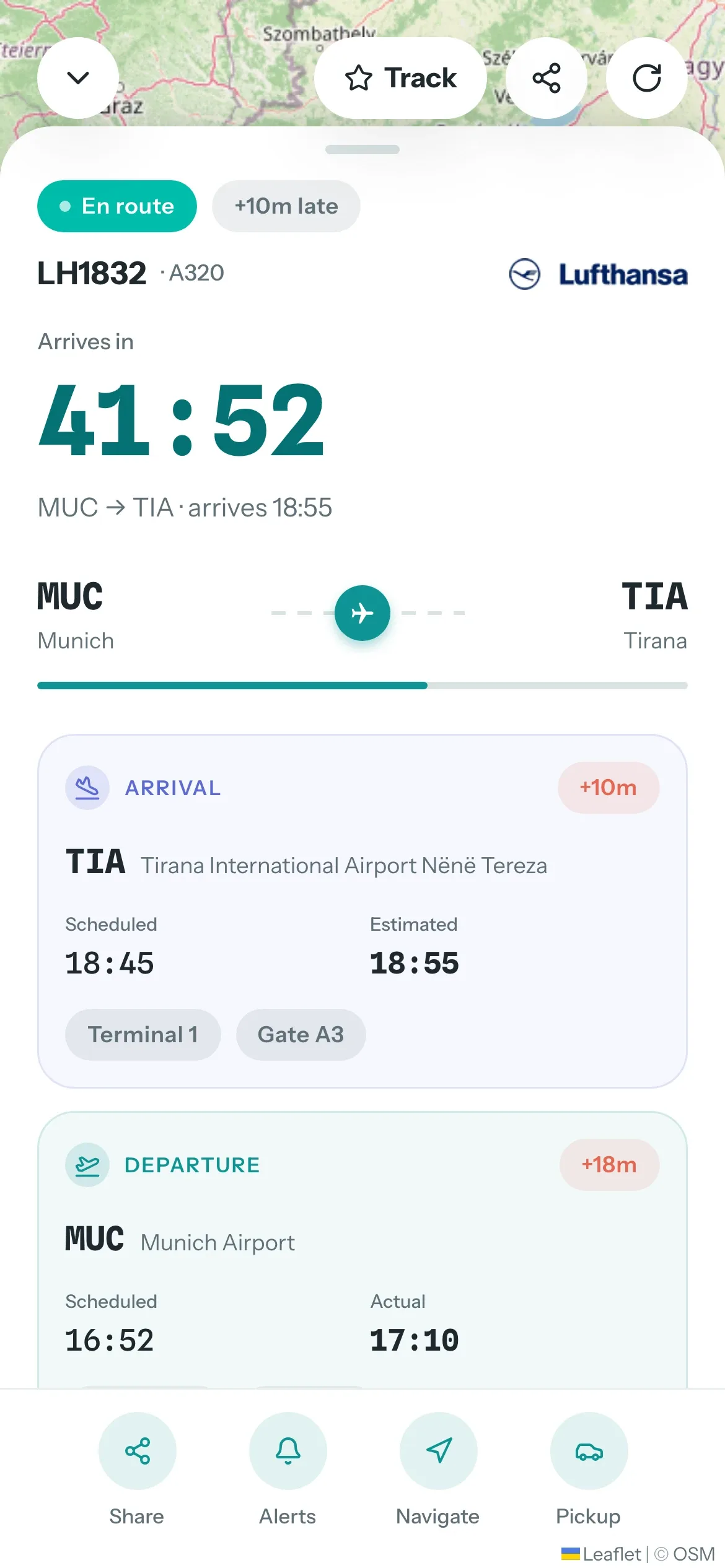
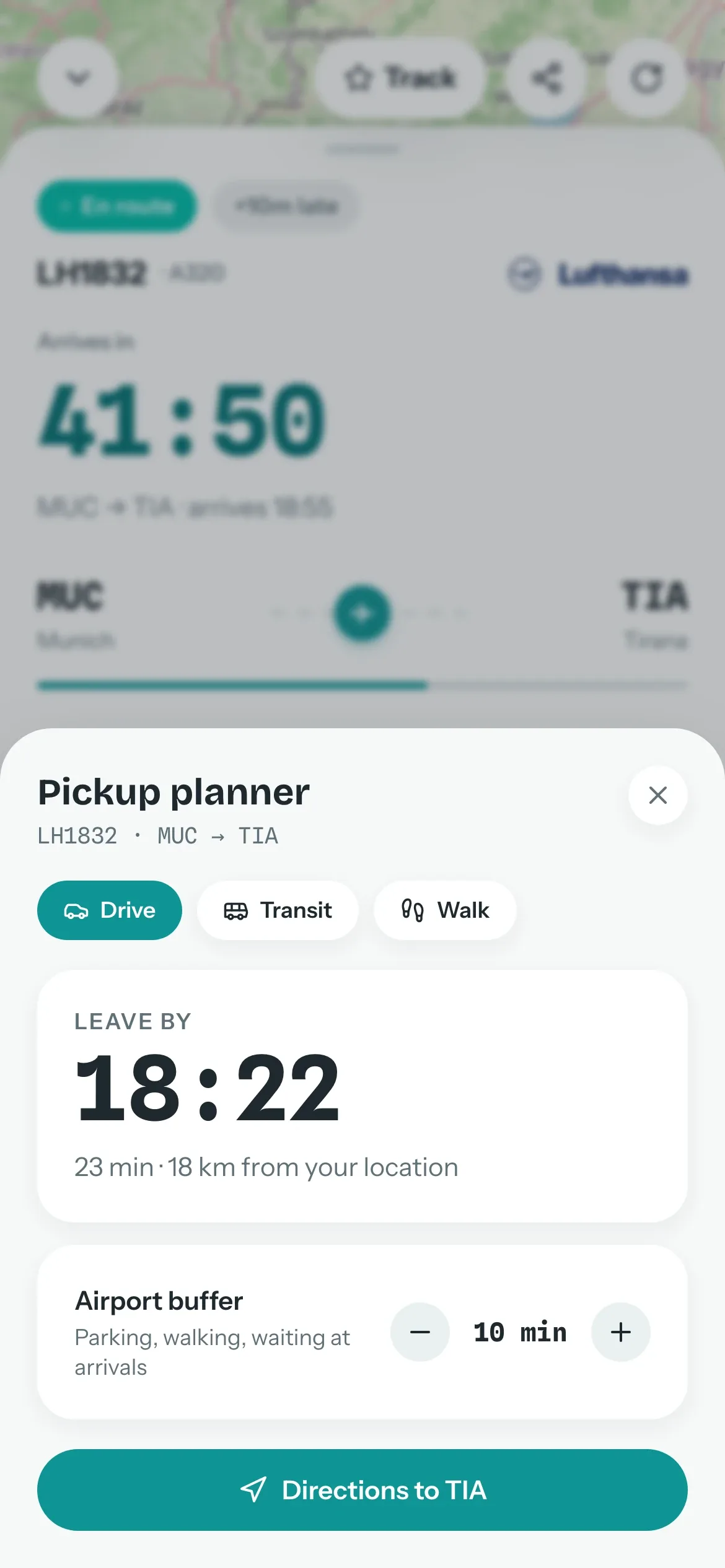
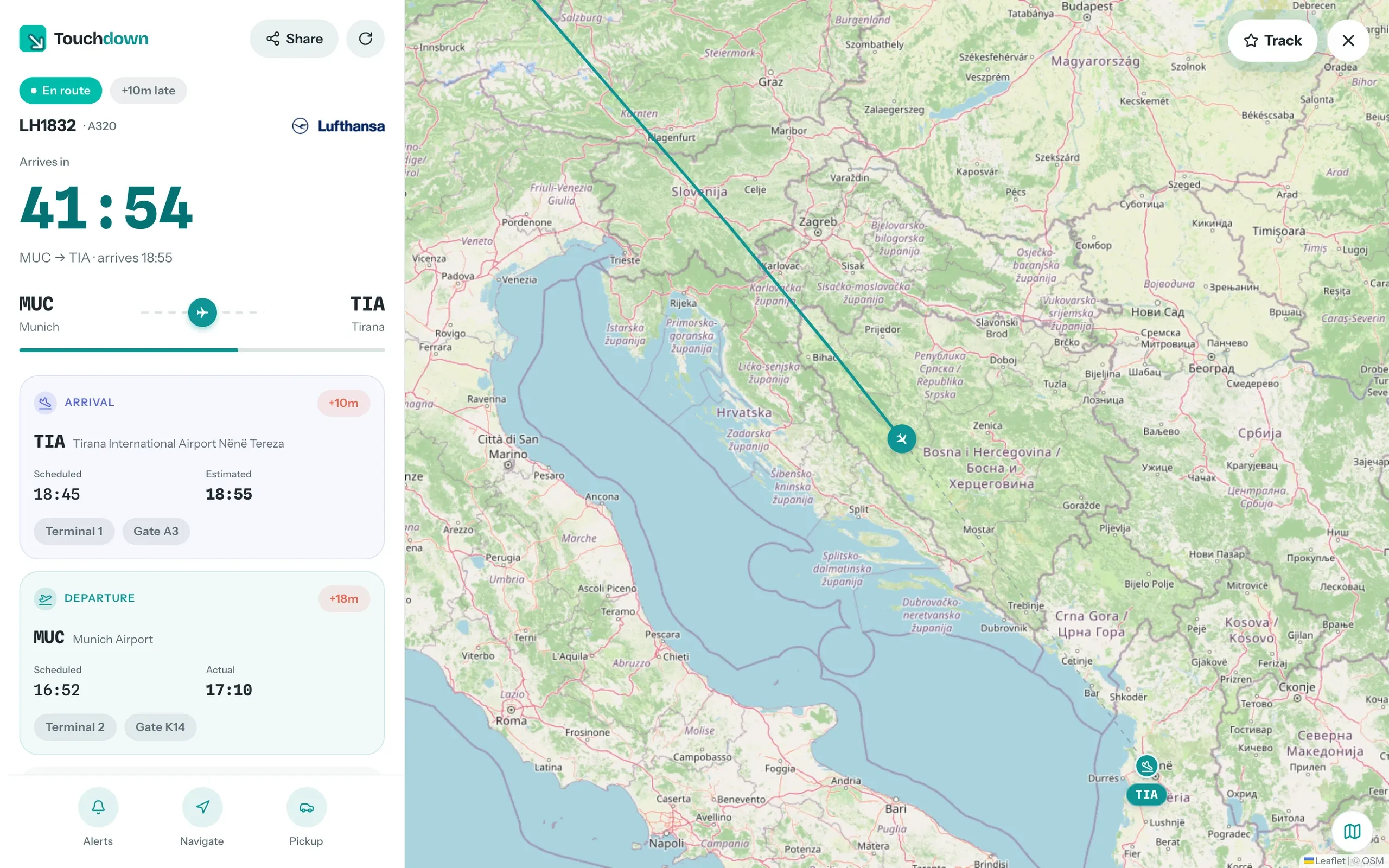
All screens show invented demo data.